
Why Floating-Point Numbers Lose Precision
Learn why floating-point numbers lose precision, how binary representation causes rounding errors, and how to handle floating-point calculations safely.
Calcifyai Team
Expert calculators & financial tools
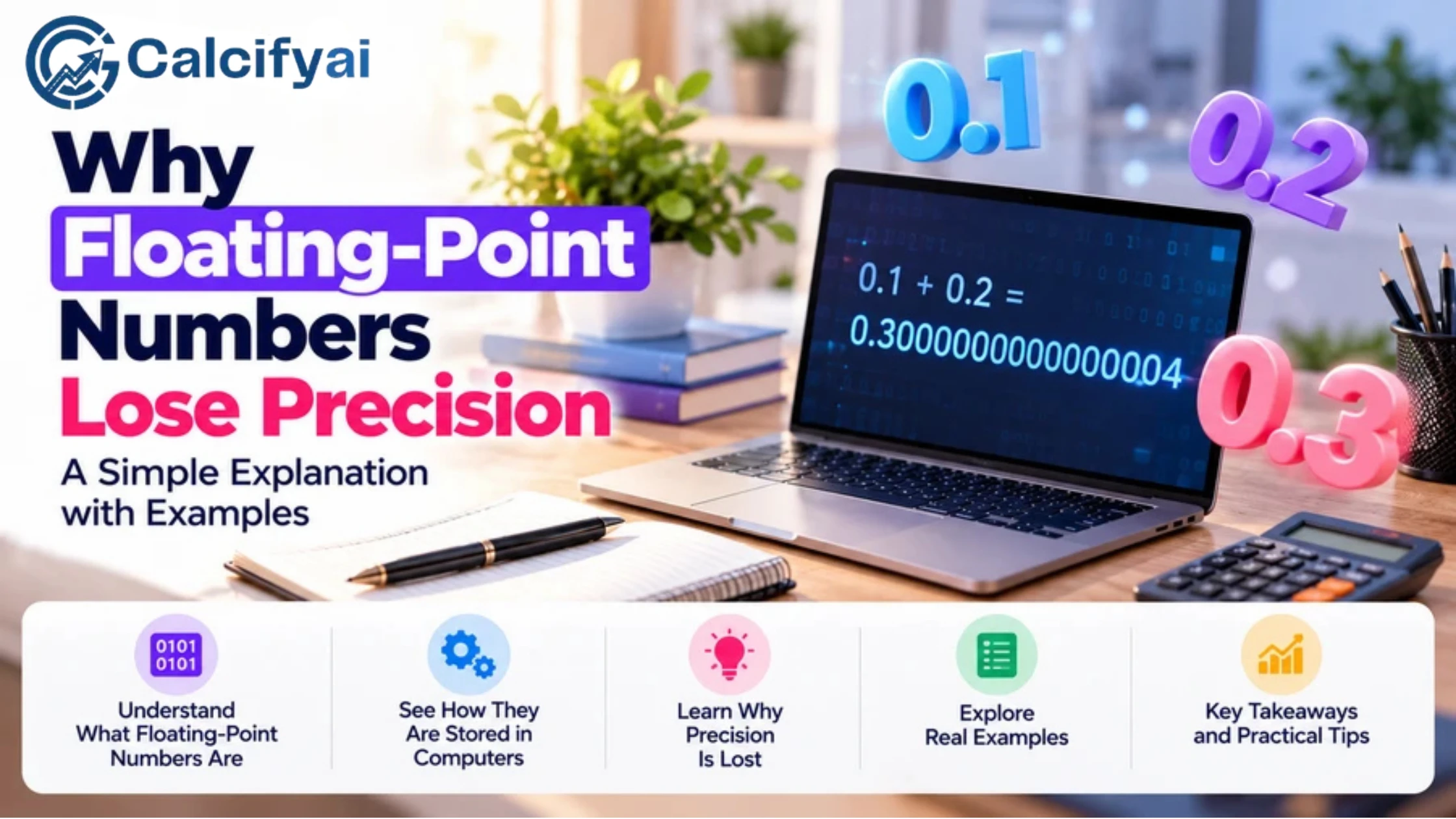
Have you ever seen a computer calculate and get a result like ?
It may look like a calculation error, but the computer is usually doing exactly what its number system allows. The issue is that many decimal numbers cannot be represented exactly in binary floating-point format.
This is known as floating point precision loss.
Understanding why this happens is important for programming, financial calculations, scientific computing, data analysis, and any application that depends on accurate numerical results.
What Is Floating-Point Precision?
Floating-point precision describes how accurately a computer can represent and calculate numbers using a limited number of bits.
A floating-point number generally stores information about:
The sign
The significant digits
The exponent
Common formats have a fixed number of bits. For example, IEEE binary32 uses 32 bits, while binary64 uses 64 bits. NIST documents these formats and their available precision in its numerical methods reference. DLMF
Because the number of available bits is limited, a computer cannot represent every possible real number exactly.
Why Do Floating-Point Numbers Lose Precision?
The main reason is simple:
Computers often represent numbers in binary, but some decimal fractions cannot be represented exactly as binary fractions.
Humans commonly use base 10:
0, 1, 2, 3, 4, 5, ...
Computers work with binary digits:
0 and 1
Some fractions that are simple in decimal have repeating representations in binary.
A Simple Example: 0.1
In decimal, we can write:
0.1
It looks simple and finite.
But in binary, the exact value of 0.1 requires a repeating sequence of bits. A fixed-size floating-point format cannot store that infinite sequence.
Instead, it stores the closest representable value.
That tiny difference is normally invisible, but it can become noticeable after calculations.
Why Does 0.1 + 0.2 Sometimes Equal 0.30000000000000004?
This is one of the most common examples of floating-point precision.
Mathematically:
0.1 + 0.2 = 0.3
But when these values are stored as binary floating-point numbers, neither decimal value may be represented exactly.
The computer actually works with nearby binary approximations.
So the calculation is more like:
approximation of 0.1 + approximation of 0.2
The resulting value can be slightly different from the exact mathematical value of 0.3.
When the result is displayed with many digits, you may see:
0.30000000000000004
The difference is extremely small, but it is real.
How Floating-Point Numbers Are Stored
A simplified floating-point representation can be thought of as:
Number = Sign × Significant Digits × Base^Exponent
For binary floating-point numbers, the base is generally 2.
A fixed number of bits is divided among information such as:
Sign
Exponent
Fraction or significand
This design allows computers to represent both very large and very small numbers efficiently.
However, the available number of significant bits is limited.
Example of Limited Precision
Imagine a system that can keep only a small number of significant digits.
If you need to represent:
123456789.123456789
but the system has limited precision, some digits must be discarded or rounded.
The stored value may therefore be slightly different from the original.
Precision vs. Accuracy
These two terms are often confused.
Precision
Precision refers to the amount of detail or number of significant digits represented.
Accuracy
Accuracy refers to how close a result is to the true value.
A calculation can have many displayed digits without being highly accurate.
For example, displaying:
0.30000000000000004
does not mean the result is more accurate than:
0.3
The extra digits are showing the effect of the underlying representation.
Why Does Precision Loss Get Worse in Some Calculations?
A small representation error does not always cause a visible problem.
However, errors can become more noticeable when calculations are repeated or when numbers with very different sizes are combined.
Repeated Calculations
Suppose a program repeatedly adds a small decimal value.
Even a tiny error can accumulate over thousands or millions of operations.
Subtracting Similar Numbers
Another problem occurs when two very similar numbers are subtracted.
For example:
1.0000001 − 1.0000000
The true answer is:
0.0000001
If both values have already experienced rounding, the subtraction can lose important significant digits.
This type of numerical problem is sometimes called cancellation.
Floating-Point Precision and Large Numbers
Precision is not only a problem with small decimal fractions.
A fixed-precision floating-point format has a limited number of significant digits.
As numbers become larger, there may not be enough precision to represent every integer individually.
For example, a system may be able to represent:
9,007,199,254,740,992
but adding 1 may not produce the next exact integer in the way you expect if the format has insufficient precision.
This is why developers need to understand the limitations of their chosen numeric type.
Floating-Point Precision vs. Integer Precision
Integers and floating-point numbers are represented differently.
An integer type is designed for whole numbers, while floating-point types are designed to represent a much wider range of values, including fractions and extremely large or small numbers.
For applications that require exact whole-number calculations, an integer type may be more appropriate.
For calculations requiring many decimal digits, a decimal or arbitrary-precision representation may be a better choice.
When Does Floating-Point Precision Matter?
Floating-point precision matters most when small numerical differences can affect the final result.
Common examples include:
Financial Calculations
Money calculations often require predictable decimal rounding.
For example:
$10.00 × 0.15 = $1.50
A financial application should carefully control how decimal values are represented and rounded.
Scientific Computing
Scientific calculations can involve millions of operations. Small numerical errors may accumulate or affect sensitive calculations.
Engineering
Engineering software may need reliable numerical results for measurements, simulations, and physical models.
Data Analysis
Statistical calculations can involve large datasets and repeated operations, making numerical stability important.
Game Development
Floating-point values are commonly used for positions, movement, physics, and graphics.
Tiny differences are often acceptable, but they can sometimes produce visible effects in simulations.
How to Reduce Floating-Point Precision Problems
You cannot completely eliminate the limitations of a finite floating-point representation, but you can design calculations to handle them safely.
1. Do Not Compare Floating-Point Numbers Directly
This can be risky:
a == b
Two mathematically equal values may differ slightly because of rounding.
Instead, compare their difference against an acceptable tolerance.
For example:
|a − b| < tolerance
The appropriate tolerance depends on the application.
2. Round Results for Display
If a user only needs two decimal places, there is usually no reason to display a long sequence of tiny floating-point errors.
For example:
0.30000000000000004
can be displayed as:
0.30
The underlying calculation and the displayed result are separate concerns.
3. Avoid Unnecessary Rounding During Calculations
Rounding every intermediate result can introduce additional errors.
When practical, retain sufficient precision during the calculation and round the final result.
4. Use Decimal Arithmetic When Appropriate
Some applications need decimal arithmetic rather than binary floating-point arithmetic.
This can be particularly useful for values such as currency, where decimal representation and controlled rounding are important.
5. Use Arbitrary Precision When More Digits Are Needed
If your calculation requires substantially more precision than standard floating-point formats provide, arbitrary-precision arithmetic can be useful.
CalcifyAI's guide to arbitrary precision arithmetic explains how calculations can use a user-selected level of precision rather than relying only on a fixed number of digits.
Floating-Point Precision and Arbitrary Precision
These concepts are related but different.
If your calculation requires more precision than standard floating-point formats provide, arbitrary-precision arithmetic can be useful. For calculations involving very large numbers or high-precision values, you can also use the Big Number Calculator to work with numbers that may exceed the practical limits of ordinary calculators.
Floating-Point Arithmetic
Standard floating-point formats use a fixed number of bits.
They are generally:
Fast
Memory efficient
Suitable for many everyday calculations
Limited in precision
Arbitrary-Precision Arithmetic
Arbitrary-precision systems can use more storage when additional digits are required.
They can be useful for:
High-precision mathematics
Very large numbers
Scientific calculations
Cryptography
Certain financial calculations
More precision does not automatically mean infinite precision. It simply allows the calculation to retain more digits.
A Practical Example of Precision Loss
Consider:
0.1 + 0.2
The mathematical result is:
0.3
A binary floating-point system may store approximations of 0.1 and 0.2.
After adding those approximations, the result might internally be slightly greater than 0.3.
When printed with many decimal places, the difference becomes visible:
0.30000000000000004
If the application only needs two decimal places, the appropriate displayed result is:
0.30
The important point is that the computer did not suddenly forget how addition works. The difference comes from how the original numbers were represented.
Common Mistakes With Floating-Point Numbers
Assuming Every Decimal Is Exact
A decimal value that looks simple to humans may not have an exact binary representation.
Comparing Floats With Exact Equality
Small representation differences can make direct equality checks unreliable.
Blaming the Calculator or Programming Language
Different systems may display or round floating-point results differently. The underlying limitation comes from finite numerical representation.
Using Floating Point for Every Financial Calculation
Applications involving money may need decimal arithmetic and explicit rounding rules.
Assuming More Displayed Digits Mean More Accuracy
A longer decimal output can simply expose representation or rounding effects.
Ignoring Accumulated Error
Repeated operations can cause small errors to become more noticeable.
Frequently Asked Questions
Why do floating-point numbers lose precision?
Floating-point numbers use a finite number of binary bits to represent values. Some decimal fractions cannot be represented exactly in binary, so the computer stores a nearby approximation.
Why is 0.1 + 0.2 not always exactly 0.3?
Because 0.1 and 0.2 may each be stored as nearby binary approximations. Adding those approximations can produce a value slightly different from the exact decimal value 0.3.
Is floating-point arithmetic inaccurate?
Not necessarily. Floating-point arithmetic is highly useful and can be very accurate within its design limits. The important issue is understanding its finite precision and rounding behavior.
How can I avoid floating-point errors?
Depending on the application, you can use tolerances for comparisons, appropriate rounding, decimal arithmetic, integer-based representations, or arbitrary-precision arithmetic.
Should I use floating point for money?
It depends on the application and its requirements. Financial software often uses decimal arithmetic or integer representations of the smallest currency unit to avoid unwanted binary floating-point behavior.
Does more precision eliminate rounding?
No. Increasing precision reduces rounding error but does not guarantee exact representation of every number.
What is floating-point precision loss called?
It is commonly described as rounding error, representation error, or floating-point error. These terms describe different aspects of the limitations introduced when real numbers are represented with finite precision.
Conclusion
Floating point precision is limited because computers store floating-point values using a finite number of binary bits. Since many decimal fractions cannot be represented exactly in binary, the computer stores nearby approximations.
Most of the time, these differences are extremely small. They become important when calculations are repeated, values are compared directly, numbers vary greatly in size, or exact decimal results are required.
The solution is not to avoid floating-point numbers completely. Instead, choose the right number representation for the problem, understand rounding behavior, use appropriate comparison methods, and increase precision when the application requires it.
Disclaimer
The information provided in this article is for educational and informational purposes only. It should not be considered as professional financial, medical, or legal advice. Always consult with qualified professionals for specific guidance related to your situation.
Popular Calculators
Explore our most-used free calculators for finance, health, and everyday needs.